
➕
Insert images
Add a title card, a logo or an end frame. Button, I, or drop the files on the window.
Desktop app · v0.4.0
Fix timing and loops, delete, insert, duplicate and re-order frames, or make a brand-new GIF from images — all offline, all safe for frame-optimized GIFs.
Edit
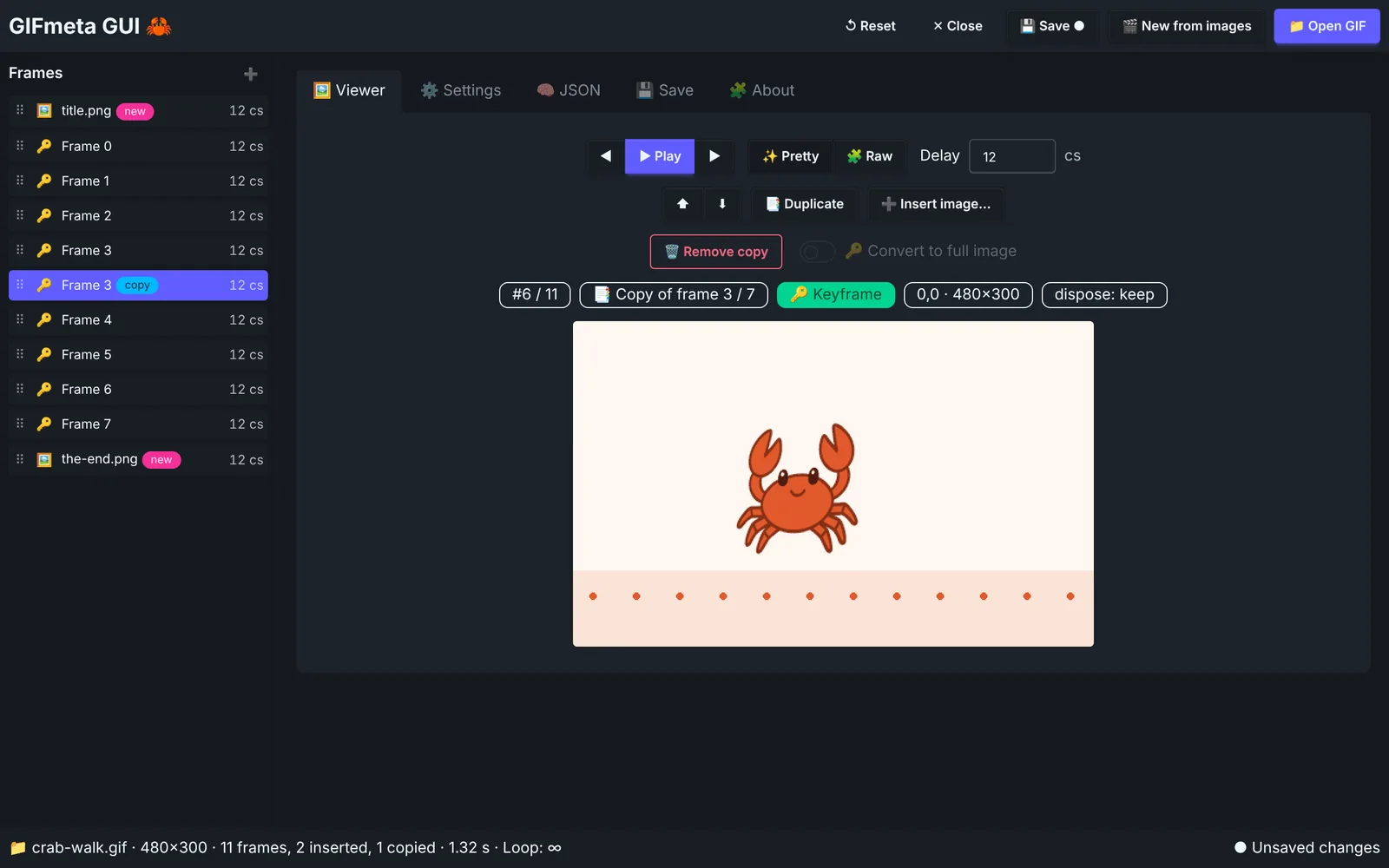
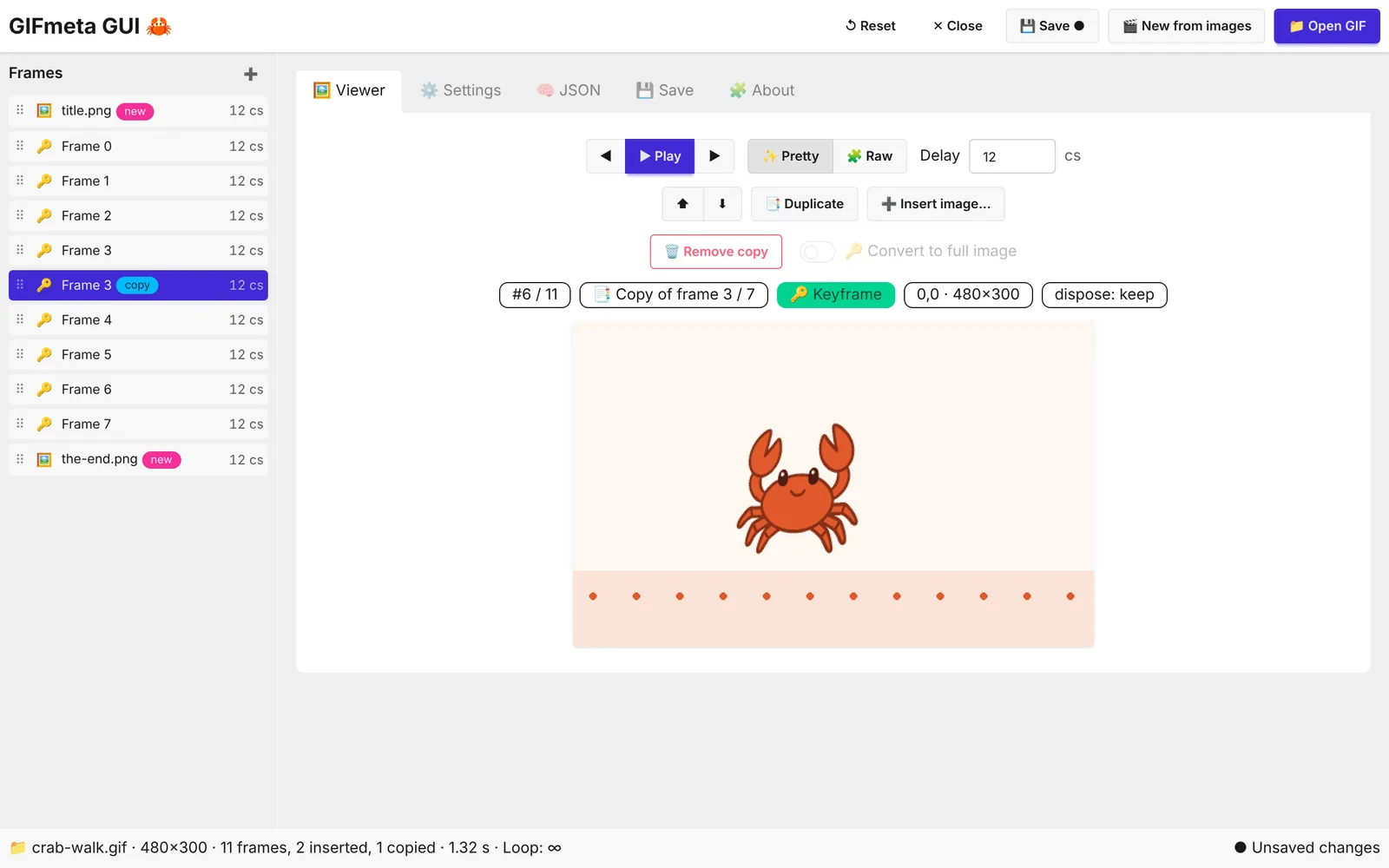
Open a GIF and the frame list shows each frame with its delay, 🔑 for full images and Δ for delta frames. Change a delay, set the loop, delete a frame or convert it to a full image. Press ▶ Play to see the result with your edited timing before you save.
Create
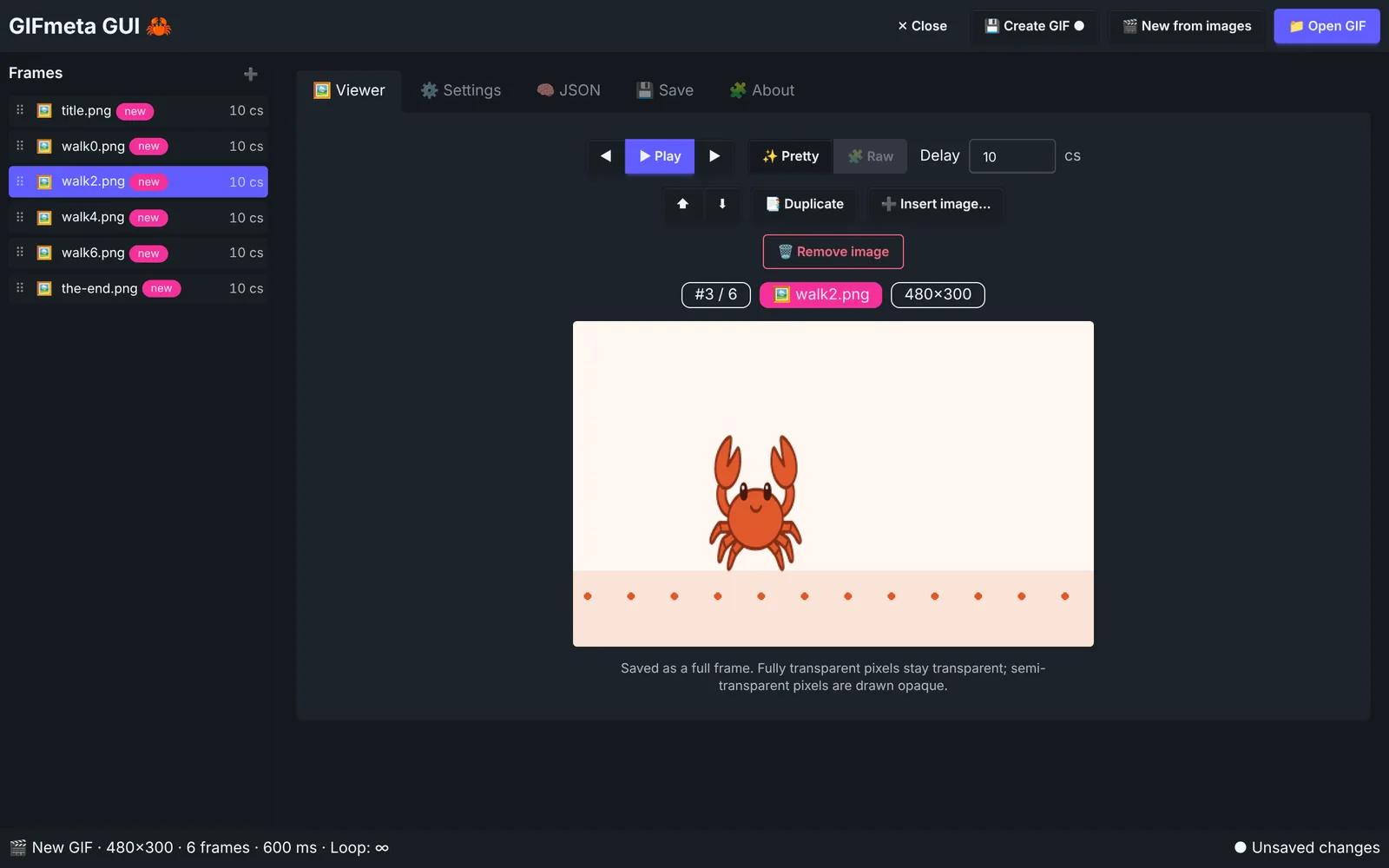
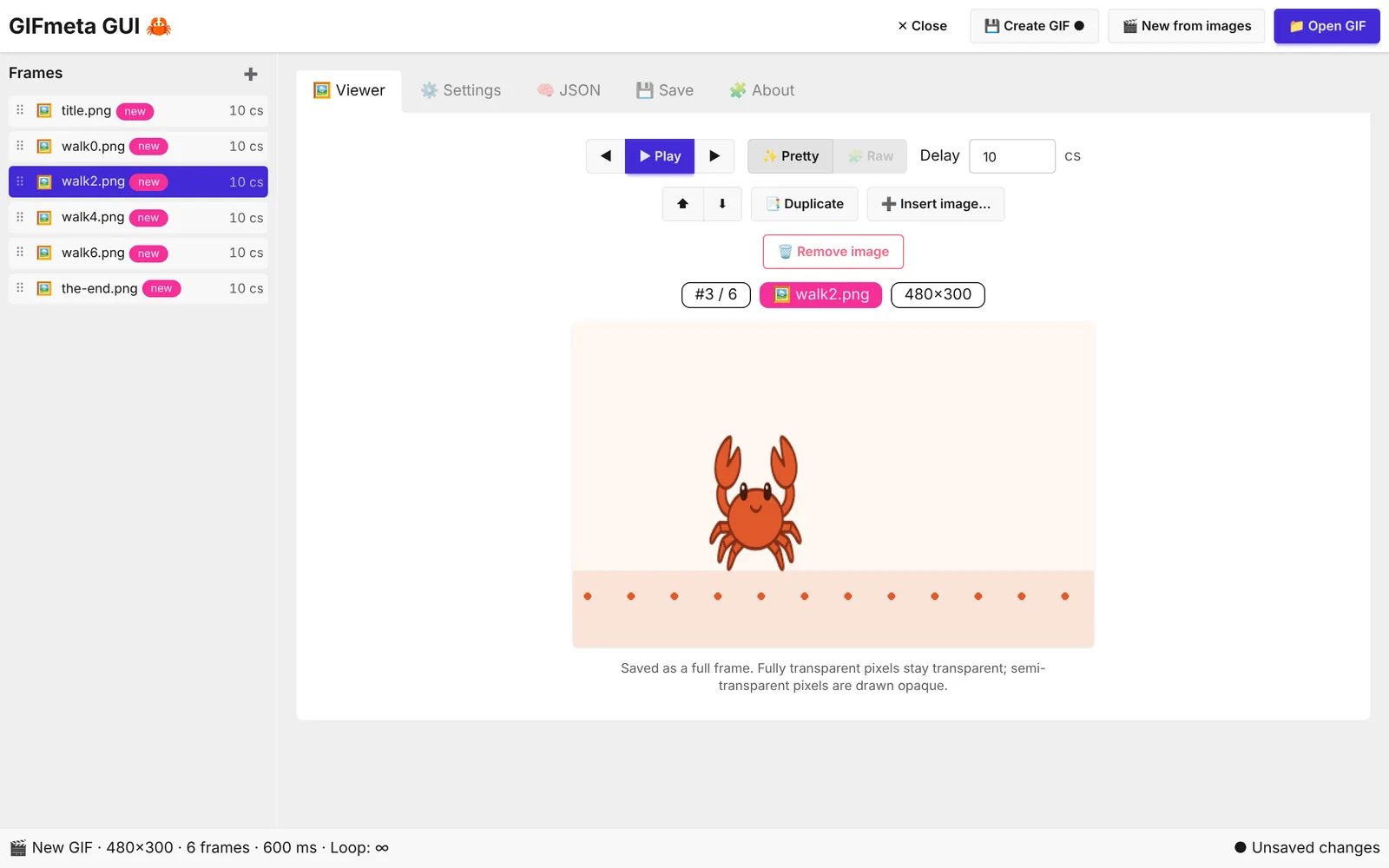
Click 🎬 New from images (or drop PNG, JPEG or WebP files on the window). Drag the frames into order, set the delay and loop, and click Create GIF. The new GIF opens right away, so you can keep editing it.
Arrange
Most GIFs online are frame-optimized: each frame only stores what changed. Move or remove one and the rest falls apart in most editors. GIFmeta replays your new order against the original and rebuilds exactly the frames that need it, so every frame still looks the way it did.
Add a title card, a logo or an end frame. Button, I, or drop the files on the window.
Hold a moment longer: D copies the frame right after itself.
Drag the ⠿ handle or use Alt + arrows. Reverse a whole GIF in seconds.
Dependent frames are rebuilt automatically; the delay moves to the previous frame.
gifmeta create walk-*.png -o crab-walk.gif --delay 12Keyboard
Every action has a button — and a shortcut for when you're editing a lot of frames.
| ↑ / ↓ | Previous / next frame |
| Alt + ↑ / ↓ | Move the frame up / down |
| Space | Play / pause |
| D | Duplicate the frame |
| I | Insert images after the frame |
| ⌫ | Delete (or restore) the frame |
Download · v0.4.0
🔏 Signed everywhere: the macOS apps are notarized by Apple (no "unidentified developer" warning) and the Windows installer is signed. Pick Apple Silicon for M1–M4 Macs and Intel for older Macs ( → About This Mac).
Install guide · Release notes ·Source code (MIT) · Prefer the terminal? Get the CLI